Turn Any Image into an Architectural Walkthrough Video
Start from a render, a photograph or a sketch. Pick the camera move and get a walkthrough back as an MP4, without a 3D model or a render farm.
Trusted by 20,000+ architects and designers
What Changes
A still gets looked at, a video gets watched
Four things that change when the render moves.
Animate the design, not just the camera
The camera can hold still while the design changes. Add the timber to a concrete frame, swap the cladding, and let the material be the thing that moves.

Workflow
How to Make an Architectural Walkthrough
One image in, an MP4 out. No modelling step and nothing to install.

Upload the image
A render, a photograph, a CAD elevation or a sketch. JPG or PNG.
Choose the camera move
Orbit, push-in, pan, dolly or a flythrough, from the preset list.
Describe the shot
Or skip the presets and direct it in a sentence: the move, the light and the mood.
Download the MP4
Straight into the client presentation, the competition board or a reel.
Specifications
What You Get Back
The same controls whichever video model you pick.
MP4
High-resolution video, straight into a deck, a board or a reel
No 3D model
A single image is all you need
Minutes
Created in minutes inside a working session
Start + End
Set where the shot opens and where it lands
9 Camera Presets
Orbit, push-in, pan, dolly or flythrough

Several models
Pick the one that suits the shot, without a subscription to each
JPG or PNG
A render, a photo, a CAD elevation or a sketch
Commercial rights
Included on every paid plan
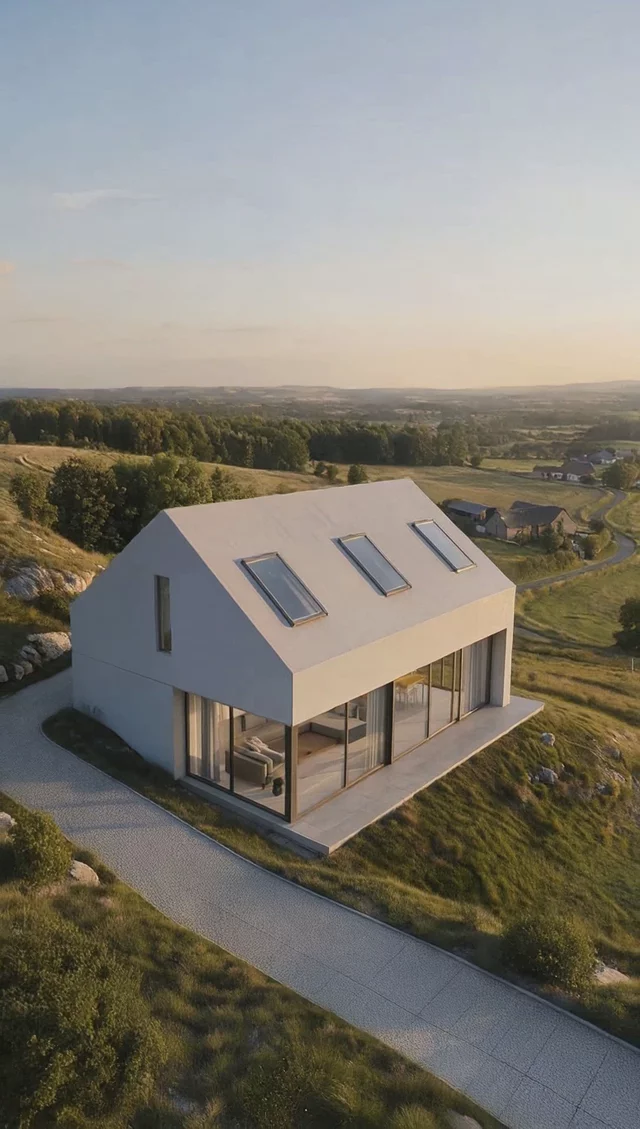
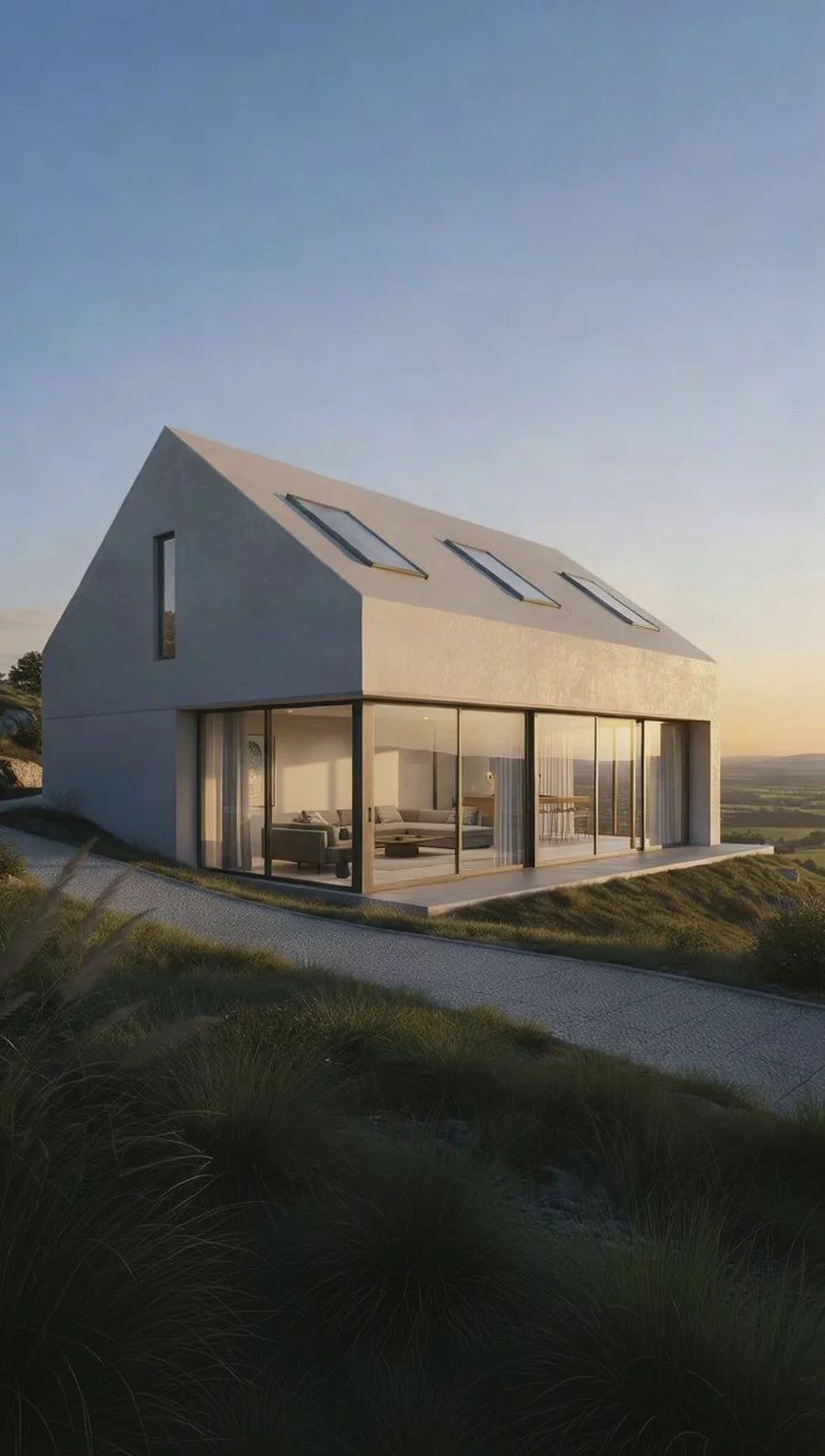
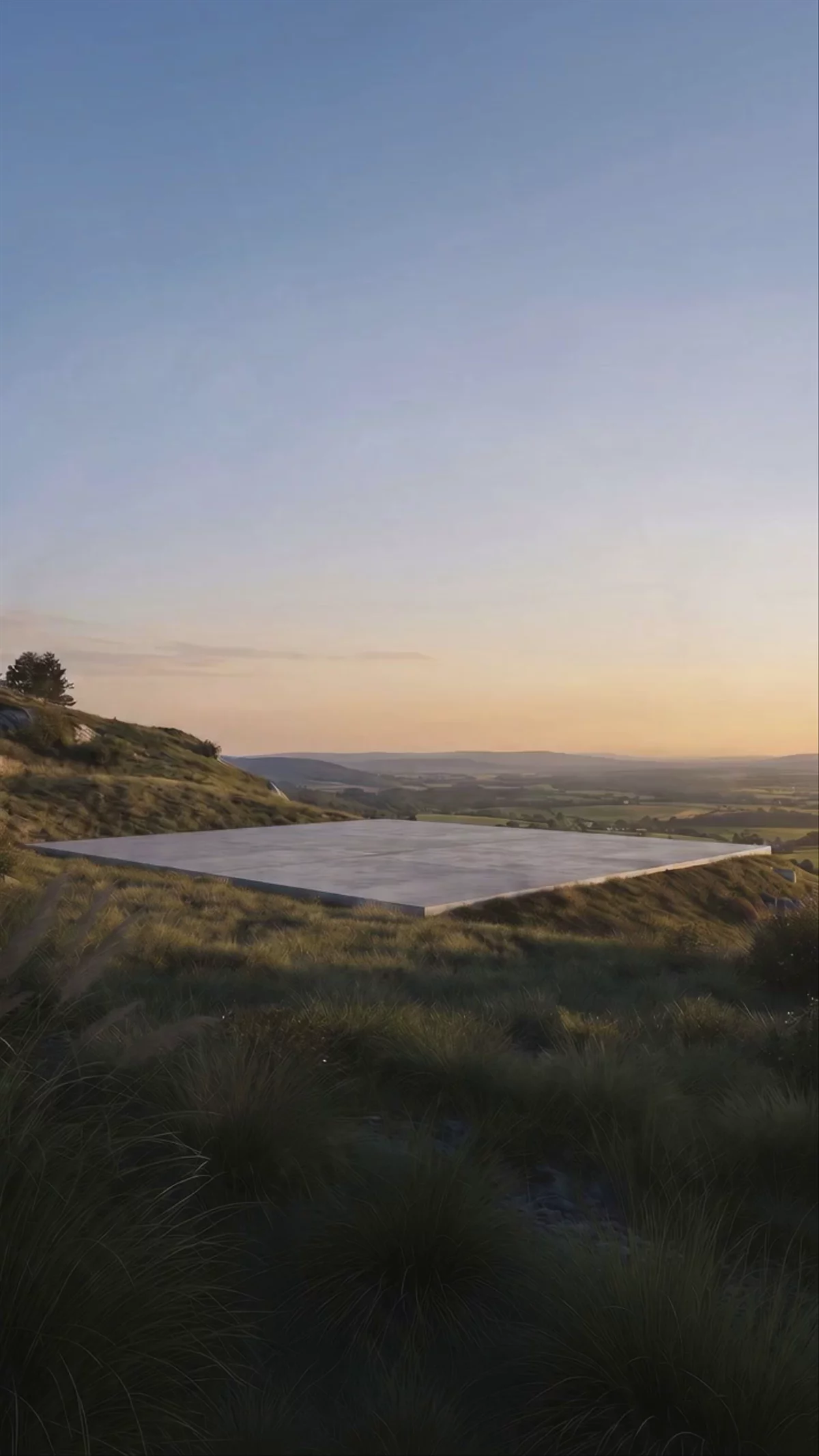
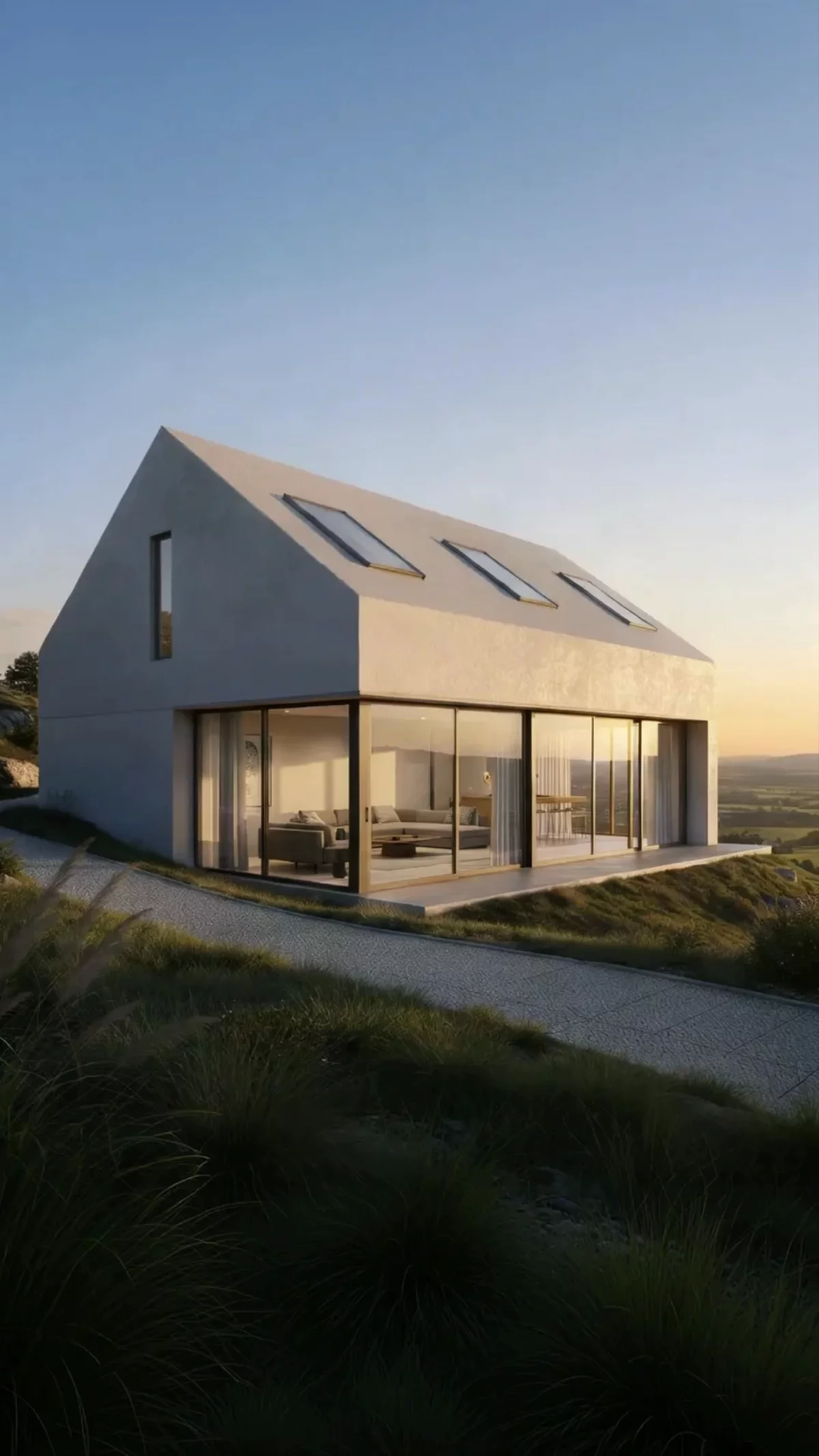
Set the first frame and the last frame
Give it where the shot opens and where it lands. The camera travels between the two, which is how you get the move you planned rather than an approximate one.


And the shot it produces
The two frames above, run as a single move. Nothing is redrawn between them, so the building at the end is the building you started with.

Camera
Direct the shot, not just the render
The same controls whichever model you pick. Choose a preset or describe the move, set the first and last frame, and keep the shot you asked for.
Slow orbit
Push in
Pan across
Flythrough
Start and end frame
Custom prompt
Architectural Reels for Social
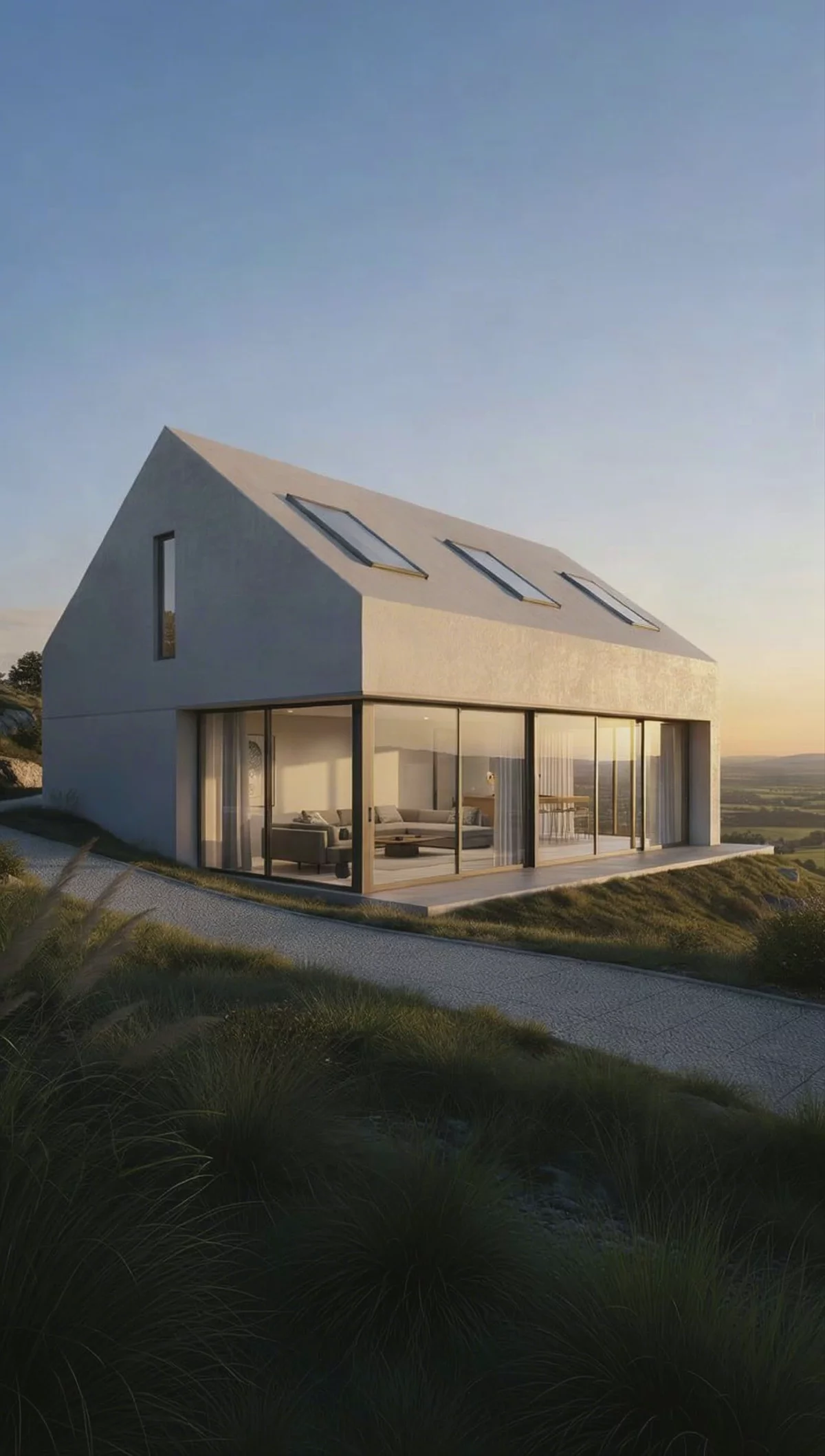
The same project, cut vertical for the feed. Practices use these for project announcements, competition entries and the work in progress posts that keep a studio visible between commissions.
What design teams say about Fenestra
More than 200,000 renders have been generated in Fenestra. Here is how practices use it on client work.
“Great tool for initial concepts. We provide new house and land packages and use Fenestra to update external colour scheme facade renders and floor plans for marketing purposes. Fenestra is a quick way to provide the images to clients to visualise their new home.

“Fenestra is a great tool and works really well for us. We’re using it to help establish a new internal standard for visualisation across the office, making it easier for high-quality visuals to become part of our standard project package.

“What sets Fenestra apart is the people behind it. The team is always available, genuinely listens to user needs, and provides a level of support that is responsive, approachable, and highly professional.

Plans & Pricing
For Teams & Enterprises
One shared credit pool, shared projects, and centralised billing
Common Questions
What architects ask before putting an AI-generated walkthrough in front of a client.
Related Visualization Workflows
Take the presentation further with these tools

Realtime AI Rendering
Move the camera or change a material and the render keeps up at 15+ FPS

CAD Drawing to 3D Visualization
Convert technical CAD drawings and elevations into photorealistic renders

Best Video AI for Architecture
Top AI video tools for architecture and interior walkthroughs
